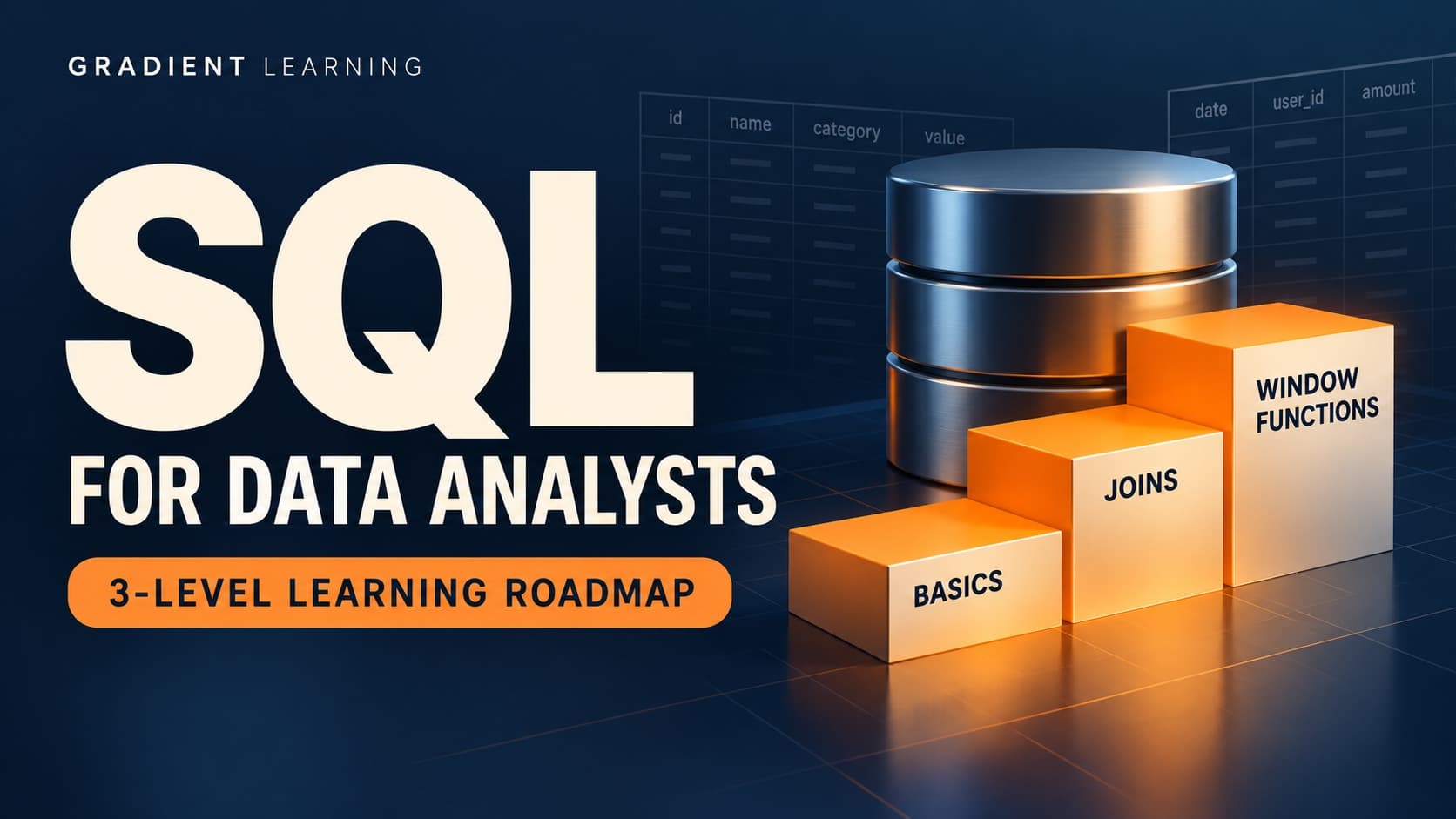
SQL Topics for Data Analysts: A Three-Level Learning Roadmap
Build your SQL foundation, connect datasets, and practice analytical questions with a structured learning plan.
5 Minutes Read
Data Analytics Program — Data Analytics — Next cohort Starts Oct 24 · 35% Discount
Enroll NowBuild your SQL foundation, connect datasets, and practice analytical questions with a structured learning plan.
Start with retrieving, filtering, and summarizing data. These skills form the foundation for the more complex queries you’ll write later.
Learn how to select the information you need from a table using SELECT and FROM.
Imagine an online store with an orders table. Your first task could be retrieving the order ID, customer ID, order date, and purchase amount.
Focus on selecting relevant columns and understanding what each row represents. Is it one order, one item within an order, or one payment? That distinction affects every calculation that follows.
Filtering helps you narrow a dataset to the records relevant to your question.
Practice using comparison operators and conditions such as:
Orders above a particular amount.
Purchases made within a specified period.
Transactions with a completed status.
Records with missing information.
Pay attention to how AND and OR interact. Parentheses can change the meaning of a condition and the rows returned.
Aggregate functions summarize multiple rows into a result.
Common examples include COUNT, SUM, AVG, MIN, and MAX. You can use them to calculate transaction counts, total revenue, average order value, or the earliest purchase date.
Be clear about what you are counting. Counting rows, non-null values, and distinct customers can produce different answers.
Alongside writing queries, learn how tables, keys, data types, and NULL values work.
Understanding these concepts helps you explain unexpected results. For example, a missing value is not necessarily equivalent to zero, and a customer ID may appear many times in an orders table.
Practice task: Using a sample orders table, calculate the number of completed purchases and their total value. Explain how you handled cancelled orders and missing amounts.
Once you are comfortable working with a single table, move on to questions that require multiple datasets or several calculation steps.
Joins combine related information from tables.
For example, customer details might live in a customers table while purchase records live in an orders table. Joining them allows you to analyze purchases alongside customer information.
Practice inner joins and left joins, paying attention to unmatched records and repeated rows.
Before joining, ask: What is the relationship between these tables? A customer can have several orders, so joining the tables can produce several rows for one customer.
GROUP BY lets you summarize records by a dimension such as customer, product, region, or month.
You could use it to calculate revenue by category or the number of orders per customer.
Learn the difference between filtering individual rows with WHERE and filtering grouped results with HAVING.
A subquery is a query nested inside another query.
For example, you might identify orders whose value exceeds the overall average order value. One query calculates the average, and the surrounding query uses that result.
Practice breaking the question into smaller steps before writing the full query.
Common table expressions, or CTEs, let you name intermediate query results.
They can make a multi-step analysis easier to read. For example, one CTE could calculate spending per customer, while the next step assigns those customers to spending groups.
Use meaningful names so another person can follow your reasoning.
Set operations combine or compare query results.
UNION combines results and removes duplicates, while UNION ALL retains them. Other operations, such as INTERSECT and EXCEPT, can help identify overlapping or differing records where supported by your database.
Check that the columns being compared are compatible.
Practice task: Combine customer and order tables to calculate spending per customer. Include customers who have never ordered, and explain how your query represents them.
The next level introduces tools for ranking, comparisons, conditional logic, and working with dates and text.
Window functions calculate values across related rows while retaining individual rows in the output.
They are useful for tasks such as:
Ranking products within each category.
Calculating running revenue totals.
Comparing monthly results.
Identifying a customer’s first or most recent purchase.
Practice functions such as ROW_NUMBER, RANK, and LAG. Learn how PARTITION BY and ORDER BY affect the calculation.
When ranking records, consider how ties should be handled. Different ranking functions can produce different results.
CASE WHEN adds conditional logic to a query.
For example, you could classify purchases into low, medium, and high order-value groups. The thresholds should come from the question you are answering, rather than being chosen without explanation.
Check the boundaries carefully so each record falls into the intended category.
Date functions help you work with time periods and intervals.
You might group purchases by month, measure the time between signup and first purchase, or compare activity across periods.
Be explicit about date boundaries and time zones when they matter. An incomplete month should also be identified before comparing it with a full month.
String functions help you work with text fields.
Practice trimming extra spaces, standardizing letter case, and extracting parts of a string. These operations can help prepare inconsistent text for analysis.
Function names and syntax can differ between SQL databases, so use the documentation for the system you are practicing with.
Understanding SQL’s logical processing order helps explain how filtering, grouping, and calculations interact.
It can clarify why a query fails or why a condition needs to be applied at a different stage. Distinguish this logical order from the physical execution plan chosen by the database.
Practice task: Calculate monthly revenue and use LAG to compare each month with the previous one. Explain how you handle the first month and any missing months in the dataset.
Knowing the topic names is a starting point. The next step is applying them consistently.
Mark each topic as something you can use independently, something you need to revise, or something you have not learned yet.
This gives you a focused practice list without requiring you to restart everything.
Use a small analytical question to guide each practice session.
For example:
Topic | Practice question |
|---|---|
Filtering | Which orders were completed last month? |
Grouping | What was the revenue for each product category? |
Joins | Which customers have never placed an order? |
CTEs | How can a customer spending analysis be split into readable steps? |
Window functions | Which three products generated the most revenue in each category? |
Date functions | How long did customers take to make their first purchase? |
A query that runs successfully can still answer the wrong question.
Check a small sample manually. Look for duplicated records, missing values, unexpected join results, and inconsistent date filters.
Write down any assumptions that affect the answer.
Practice describing the question, the tables you need, and the steps in your query.
Then explain what the result means. A strong explanation connects the calculation to the original question and acknowledges any limitations.
Use one dataset to practice several concepts together.
An online store project could include monthly revenue, repeat purchases, product performance, and customer spending groups.
For each analysis, document the question, query, result, and limitations. This creates a clearer demonstration of your skills than a collection of queries without context.
As you practice, watch for these recurring issues:
Counting rows when the question asks for distinct customers.
Joining tables without checking whether records multiply.
Treating missing values as zero without justification.
Comparing incomplete time periods with complete ones.
Memorizing syntax without understanding the expected output.
Reporting a result without validating a sample.
Building the habit of checking your work is as valuable as learning another SQL function.
For a companion checklist, explore SQL Topics for Data Analysts, an external resource created by Nakul Sharma. Its listing organizes topics into three levels, covering foundational concepts, joins and query structure, and more advanced analytical functions.
FAQ
FREE COURSES
Machine Learning for Data Analysts is a practical, hands-on course built for analysts who already know SQL, Excel, or BI tools and want to add predictive modeling to their skill set. Instead of abstract theory, every concept is taught through a single running business scenario, an online retailer named NorthPeak Outfitters, so techniques build on each other from lesson to lesson instead of feeling disconnected.
An 11-module, project-based course for data analysts who need to work fluently with finance data. Covers financial statements, unit economics, forecasting, valuation, market risk, and fraud analytics, all built around one running case company with real code, data, and a full answer key in every module.
A 12-module, hands-on course that teaches product analytics using one real, consistent dataset from start to finish, SQL, funnels, retention, A/B testing, segmentation, churn modeling, and stakeholder communication. Every number is computed and verified, not invented. Ends with two full portfolio projects you can show off.