Power BI for Data Analysts
This course takes you from Power BI fundamentals to job-ready data analytics skills through seven structured modules. Learn data connections, Power Query, relational modeling, DAX, time intelligence, and interactive dashboard design with hands-on examples. Build six portfolio projects across sales, retail, marketing, finance, and enterprise analytics. Finish with interview preparation, career guidance, project ideas, and current compensation insights.

Rutvik Acharya
Principal Data Scientist
Atlassian
What You'll Learn
Connect Power BI to real-world data sources files, databases, and the web
Clean and reshape messy data using Power Query
Write DAX measures, from basic aggregations to time intelligence and ranking
Apply everything across six full portfolio projects spanning sales, retail, marketing, and finance
Who Should Attend
Aspiring Data Analysts with little to no prior Power BI experience
Excel users looking to move into interactive, scalable reporting
Business professionals who need to build or read dashboards at work
Anyone preparing for a Power BI Developer or Data Analyst interview
CERTIFICATION
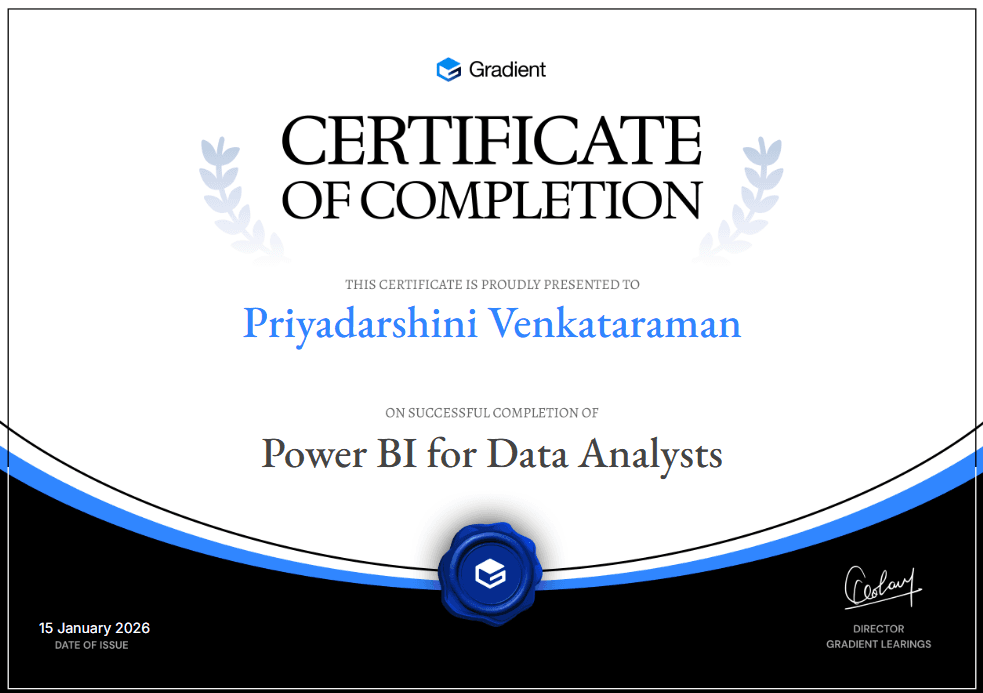
Certificate of Completion


Ready for the next step?
Data Analytics Program
Master Python, Power BI, Tableau, SQL and Excel, with AI built into every dashboard and decision.
Check it outFAQ