GitHub for Data Analysts

A complete, hands-on path from zero Git knowledge to running a full analytics workflow on GitHub. You'll learn how to track and undo changes safely, branch and merge without fear, collaborate with teammates through pull requests and code review, and handle the parts generic Git tutorials skip: version-controlling Jupyter notebooks and R projects, managing large data files with Git LFS, and structuring a repository so any analyst can pick it up. The course ends with two full portfolio projects: building a reviewed, documented analysis repository from scratch, and publishing an automated, GitHub Pages-hosted analytics portfolio powered by a scheduled GitHub Actions workflow.

author

Rutvik Acharya

Principal Data Scientist

Atlassian

Loading modules...

What You'll Learn

Track, undo, and review changes with confidence using Git's core commands

Branch, merge, and resolve conflicts safely, including inside Jupyter notebooks

Collaborate on GitHub with pull requests, code review, issues, and project boards

Automate data refreshes and publish a live portfolio with GitHub Actions and Pages

Who Should Attend

Data analysts who currently save files as v1, v2, and FINAL_FINAL

Analysts joining a team that already collaborates on GitHub

Anyone using Jupyter notebooks or R scripts who wants clean, mergeable version history

Analysts building a public portfolio to support a job search or promotion case

CERTIFICATION

Certificate of Completion
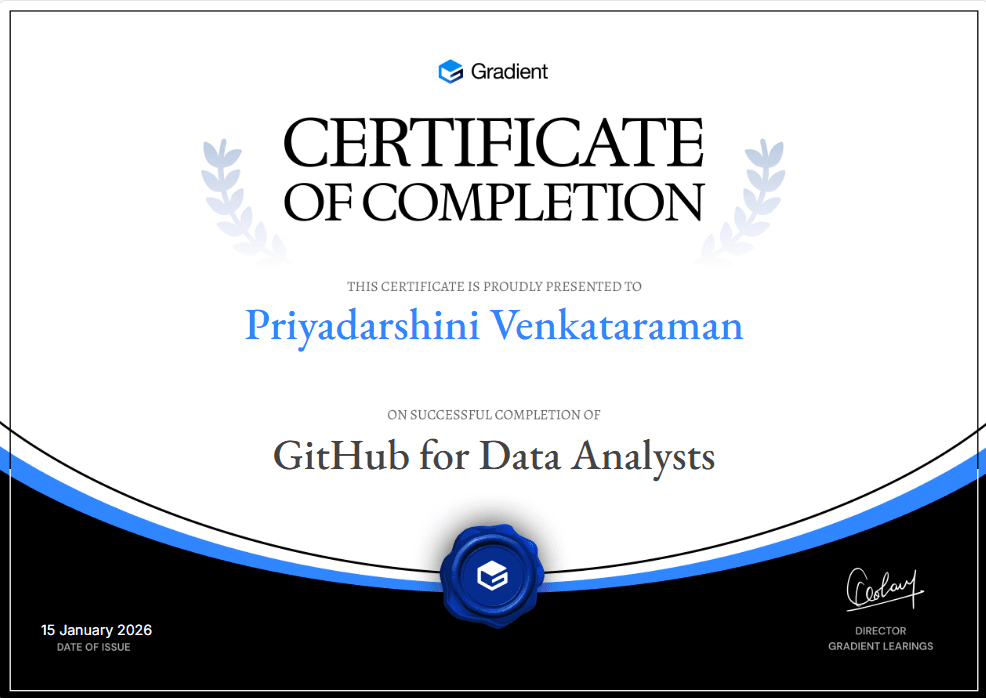
Certificate of Participation
Course
9 Modules
10 Hours 30 Minutes
33 Lessons
30 Challenges
Language: English

FAQ

FREQUENTLY ASKED QUESTIONS

No. The course starts from first principles, covering what version control is and why it matters before touching a single command. If you can open a terminal and follow instructions, you're ready to begin.
Yes. The core Git and GitHub skills, such as committing, branching, pull requests, and code review, apply regardless of what tool you analyze data in. The course does include dedicated lessons on Jupyter notebooks and R scripts specifically, but the majority of the material is tool-agnostic.
The nine modules total roughly 10 hours of material, including the two portfolio projects. Most learners complete it over one to two weeks at a steady pace, though it's fully self-paced.
No. Module 4 walks you through creating a GitHub account and setting up your first repository from scratch, so you can start the course with nothing installed or configured.
You can stop after Module 3 and still walk away with a solid, practical grasp of Git itself, including branching and merging. Modules 4 onward build on that foundation to cover GitHub specifically, so they're most useful if you plan to work on a shared team repository.
Generic Git tutorials are written with software engineers in mind and skip the friction points analysts hit most often, such as noisy notebook diffs, saved R workspace files, and large raw data exports. Module 6 addresses these directly, since they're often what makes analysts give up on using Git in the first place.
The first project has you build a version-controlled sales analysis repository from scratch, using proper branching and pull request review from start to finish. The second has you publish a live analytics portfolio on GitHub Pages, with a scheduled GitHub Actions workflow that automatically refreshes a report. Both are designed to be genuine, shareable work samples.
Yes. Each lesson includes interview questions with guidance on what a strong answer covers, and the two portfolio projects give you concrete, GitHub-hosted work to point to when discussing your workflow with a hiring manager.
No. Everything in the course, including GitHub repositories, GitHub Actions minutes for the scheduled workflow, and GitHub Pages hosting, is used well within GitHub's free tier for an individual account.
No. The running examples use a fictional retail company for consistency across lessons, but the Git and GitHub skills taught are general, industry-standard practices you can apply to any team's actual workflow.
Scroll Up
GET FREE CAREER COUNSELING